
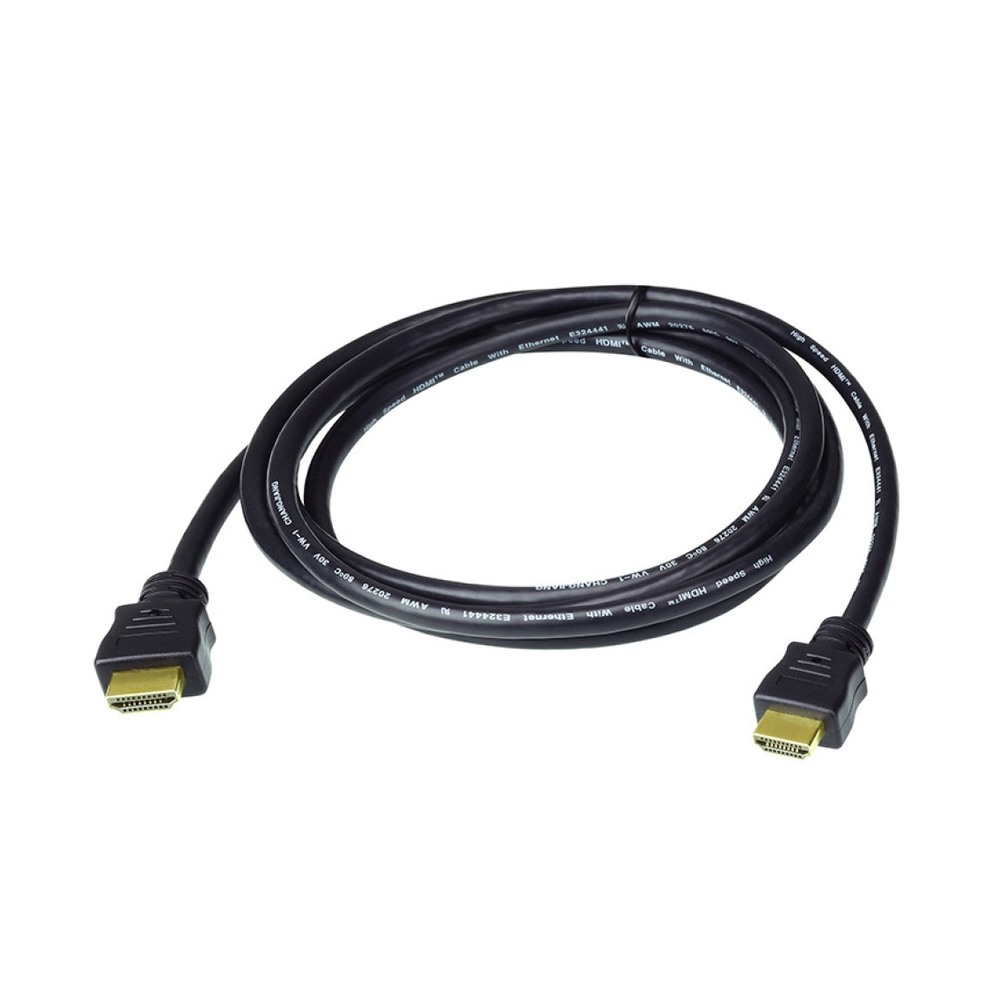
สาย ATEN 2L-7D05H High Speed HDMI ยาว 5 เมตร
ATEN 2L-7D05H เป็นสาย High Speed HDMI with Ethernet ความยาว 5 เมตร รองรับความละเอียดสูงสุด 4096×2160@30Hz แบบ 4:4:4 ตามข้อมูลรุ่นเดิม โปรดยืนยันรหัสสินค้าอีกครั้งหากต้องการ 4K60 แบบ 4:4:4 ซึ่งเป็นคุณสมบัติของรุ่น 2L-7D05H-1
สอบถามราคาและยืนยันสเปกก่อนสั่งซื้อ
สาย ATEN 2L-7D05H High Speed HDMI ยาว 5 เมตร
ATEN 2L-7D05H เป็นสาย High Speed HDMI with Ethernet ความยาว 5 เมตร รองรับความละเอียดสูงสุด 4096×2160@30Hz แบบ 4:4:4 ตามข้อมูลรุ่นเดิม โปรดยืนยันรหัสสินค้าอีกครั้งหากต้องการ 4K60 แบบ 4:4:4 ซึ่งเป็นคุณสมบัติของรุ่น 2L-7D05H-1
สารบัญสินค้า
คุณลักษณะ ATEN 2L-7D05H
| รุ่นตามรายการ | 2L-7D05H (ไม่มี -1 ต่อท้าย) |
|---|---|
| ความยาว | 5 เมตร |
| ความละเอียดรุ่น 2L-7D05H | 4096 × 2160 @ 30 Hz (4:4:4) |
| รุ่นที่ผู้ผลิตเปรียบเทียบ | 2L-7D05H-1 |
| ความละเอียดรุ่นที่มี -1 | 4096 × 2160 @ 60 Hz (4:4:4) |
ข้อควรยืนยันก่อนสั่งซื้อ
ATEN ระบุว่ารุ่นเดิมและรุ่น -1 รองรับความละเอียดต่างกัน จึงยังไม่ยืนยันคำว่า HDMI V2.0 ของรุ่นเดิมตามรายการแนบ หากต้องการ 4K60 แบบ 4:4:4 ให้ยืนยันรหัสสินค้าอีกครั้ง โดยยังไม่เปลี่ยนรุ่นแทนให้
การเลือกใช้งานและขอใบเสนอราคา
ตรวจสอบรหัสสินค้า ขั้วต่อ และอุปกรณ์ที่ต้องใช้งานร่วมกันก่อนเลือกซื้อ โดยแจ้งรูปแบบงานติดตั้ง ระยะเดินสาย และเงื่อนไขหน้างานให้ครบถ้วน รายละเอียดในตารางใช้สำหรับเปรียบเทียบรุ่น ไม่ใช่การยืนยันอุปกรณ์เสริมที่รวมในชุด
สำหรับ ATEN 2L-7D05H กรุณาแจ้งจำนวนที่ต้องการและกำหนดส่งมอบ เพื่อให้ทีมงานตรวจสอบรายการจัดหา ราคา และระยะเวลาส่งเป็นรายครั้ง ดู สินค้าและระบบที่เกี่ยวข้อง เพื่อวางแผนการใช้งานร่วมกัน
สอบถามราคาและตรวจสอบรุ่น: กรุณาส่งรายละเอียดการใช้งาน จำนวน และอุปกรณ์ต้นทาง/ปลายทางให้ทีม Pochok เพื่อยืนยันความเข้ากันได้ก่อนสั่งซื้อ
แหล่งอ้างอิงข้อมูล
Technical selection guide — ATEN 2L-7D05H
ATEN 2L-7D05H is a five metre High Speed HDMI cable with Ethernet. The catalogue distinguishes this original model from the similarly named version ending in minus one. For the original reference, it lists 4096 by 2160 at 30 Hz with 4:4:4 colour sampling. The corresponding 60 Hz specification in the comparison belongs to the revised model and should not be assigned automatically to this one.
When preparing an order, include the complete part number exactly as required. A small suffix change can matter when a system must meet a particular video mode. Confirm the source output, display input and any intervening switch or splitter as one signal path. A cable cannot make an unsupported display or source operate at a higher mode simply because a different cable version supports it.
Measure the real route rather than only the direct distance between devices, allowing for a suitable connection arrangement without straining the ports. For commissioning, verify the intended resolution and refresh rate on the actual equipment. If the project requires 4K at 60 Hz with 4:4:4 sampling, ask for confirmation of the correct part number before approving a substitution.
The information on this page is organised for product selection and quotation. The specification table describes what the supplied catalogue establishes, while the verification notes identify details that still need confirmation. Where a brand or exact variant has not been established, ask for the proposed model documentation before approving the order. A request for quotation can include the equipment schedule and a photograph of the intended connection or working area.
Start by separating the essential requirement from optional preferences. State the device or component you need, its role in the project, the quantity and the required delivery timing. Include the relevant existing equipment models so the proposed item can be checked in context. If a substitution is offered, compare the complete specification and package contents rather than accepting a similar name or appearance as sufficient evidence.
Installation planning should also cover access and future maintenance. Check that connectors or controls remain reachable after the equipment is positioned. Identify any mounting parts, connection leads or accessories that must be quoted separately. Confirm the final supplied arrangement in writing, particularly where the catalogue photo is illustrative or shows a configuration that is not confirmed as the standard package. This helps both purchasing staff and the installation team work from the same information.
Before delivery, agree the acceptance checklist appropriate to the product. It can include matching the part number, checking the stated dimensions or length, confirming package contents and demonstrating the required function with the intended equipment. A demonstration should use the settings and configuration relevant to the project. Record unresolved items before sign-off rather than assuming that a brief power-on check establishes every capability listed in a catalogue.
Keep the quotation, model documentation and handover information together for later reference. This makes it easier to request a matching replacement or assess a future upgrade. Warranty terms, lead time, stock status and any installation service should be confirmed for the actual order; they are not inferred from the reference image. Contact Pochok with the selected catalogue item and your project details to receive an offer that identifies the agreed product and supply scope.
สินค้าที่เกี่ยวข้อง
สายไฟและสายสัญญาณ
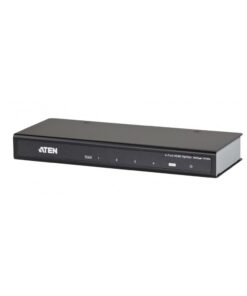
อุปกรณ์จัดการสัญญาณภาพ
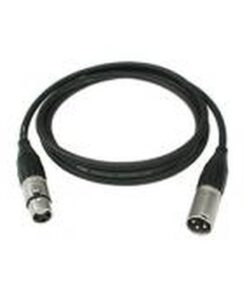
สายไฟและสายสัญญาณ
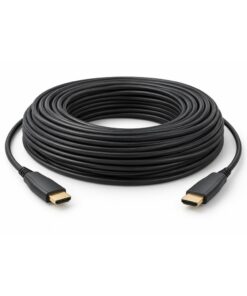
สายไฟและสายสัญญาณ
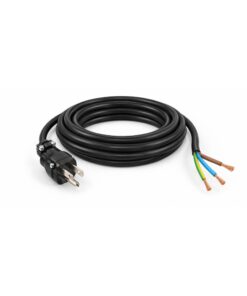
สายไฟและสายสัญญาณ
อุปกรณ์จัดการสัญญาณภาพ
สายไฟและสายสัญญาณ